Avoid preventable ordering mistakes
Capture the exact part number, revision, serial applicability, configuration, connectors, ratings, and documentation before buying.
Independent medical-equipment reference
PartsMedical helps people research medical-equipment components, decode part labels, compare replacement options, and understand how equipment systems fit together—without sales pressure or manufacturer affiliation.
Useful starting points
Buying guideHow to Identify a Medical Equipment Replacement Part→Parts referenceUnderstanding Medical Equipment Part Numbers and Revisions→Equipment guideInfusion Pump Parts and Components: Mechanisms, Sensors, and Alarms→Equipment guideSteam Sterilizer Components: Chamber, Steam, Vacuum, Controls, and Monitoring→Technical guideWhat Is a DICOM AE Title? Meaning, Format, and Examples→67Detailed references
15Equipment families
5Fillable worksheets
0Supplier promotions
Start with your goal
You do not need to know the correct technical category first. Choose the outcome you need, then follow the relevant reference, worksheet, or directory.
Learn which labels, revisions, connectors, ratings, and system details matter before searching or requesting a quote.
Start identification →Put the installed and candidate parts side by side so differences are visible before a purchasing decision.
Compare compatibility →See how the major components in monitoring, infusion, respiratory, laboratory, sterile-processing, imaging, and other systems work together.
Browse equipment →Understand OEM, refurbished, repaired, tested-pull, warranty, traceability, and supplier claims without a sales pitch.
Use buying guides →Separate the observed symptom, possible fault boundary, evidence, failed part, and return-to-service decision.
Open troubleshooting →Get plain-language explanations of parts, equipment, imaging, connectivity, maintenance, and purchasing terminology.
Search the glossary →Why use PartsMedical?
A matching photograph or familiar description can still lead to the wrong part. PartsMedical helps readers document the evidence, understand the system context, and recognize what still requires confirmation.
Explore the Parts LibraryCapture the exact part number, revision, serial applicability, configuration, connectors, ratings, and documentation before buying.
Compare represented condition, testing claims, warranties, exchange requirements, included accessories, and return terms.
Move from a component label to its function, dependencies, related assemblies, equipment family, and safety boundaries.
Print or save structured worksheets for identification, compatibility, DICOM endpoints, troubleshooting evidence, and incoming inspection.
Free, private, print-ready
Complete the worksheets in your browser, print them, or save them as PDFs. Entries are not submitted to PartsMedical.
Open all toolsA visual equipment index
Browse the systems behind patient monitoring, infusion, respiratory care, surgery, sterile processing, laboratory, renal, neonatal, and diagnostic imaging equipment.
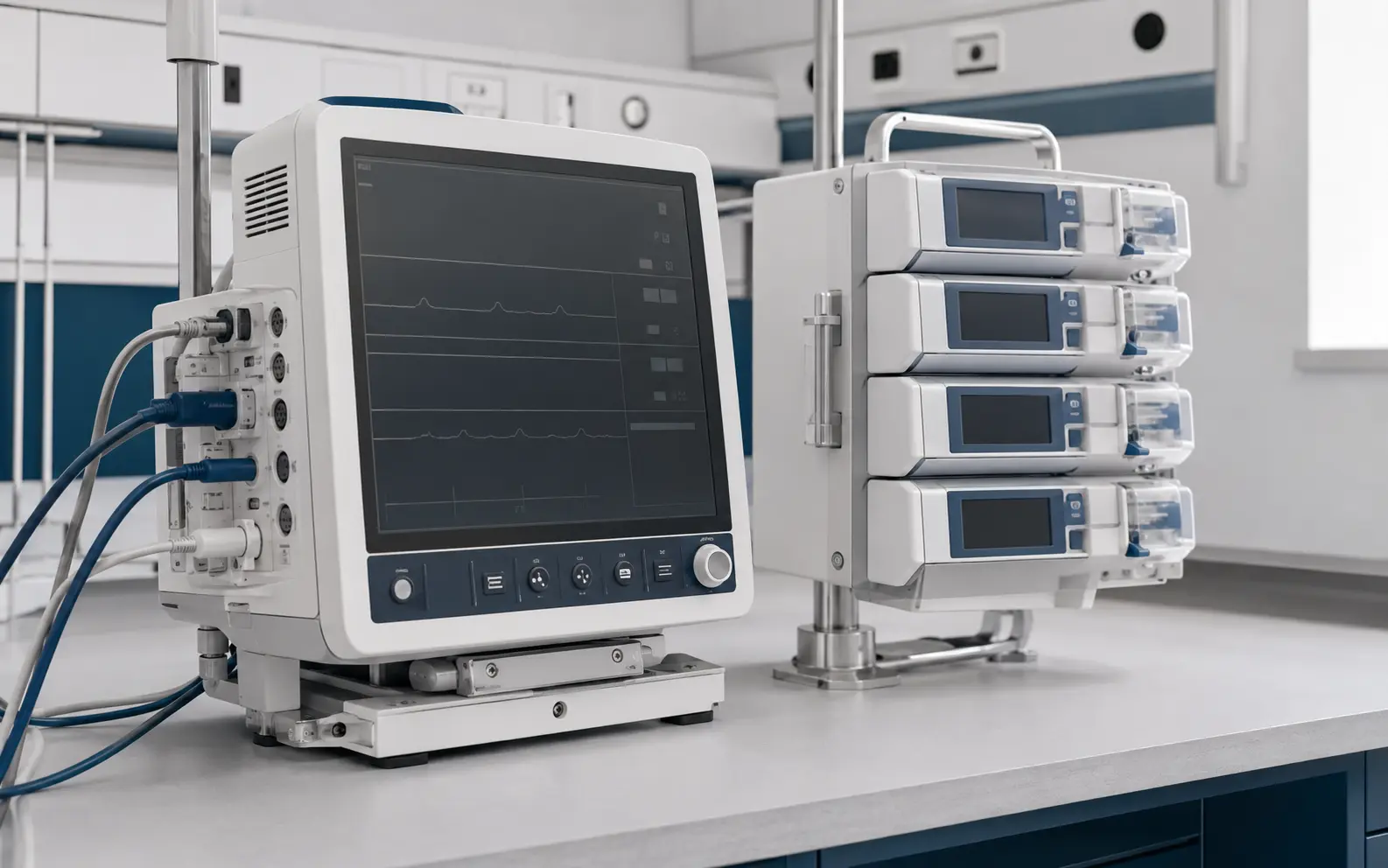 MON · INF
Patient monitors, parameter modules, infusion pumps, and the components that support bedside care.
Open a foundational guide →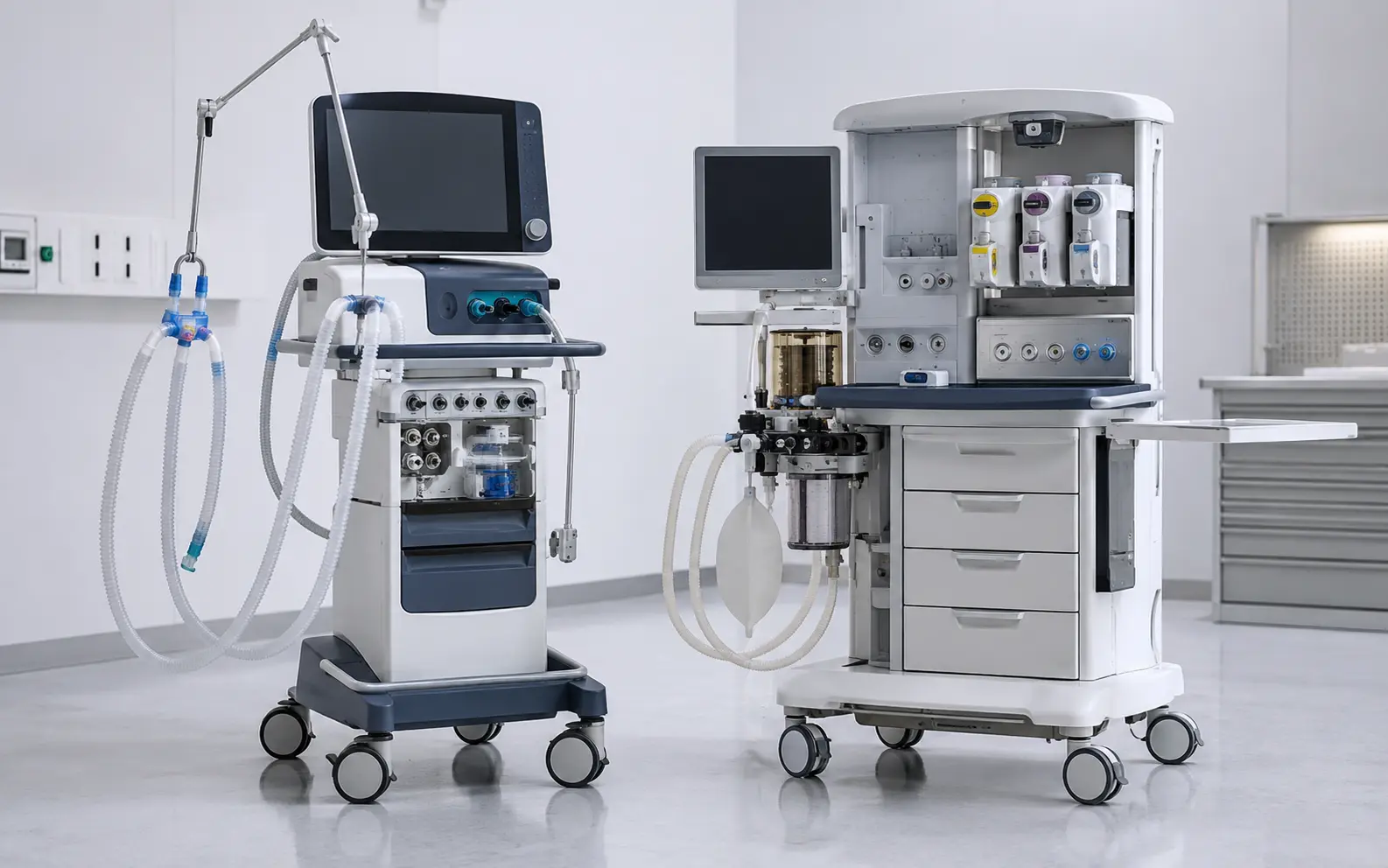 RESP · ANES
Ventilators, anesthesia workstations, gas delivery paths, sensors, valves, and breathing systems.
Open a foundational guide →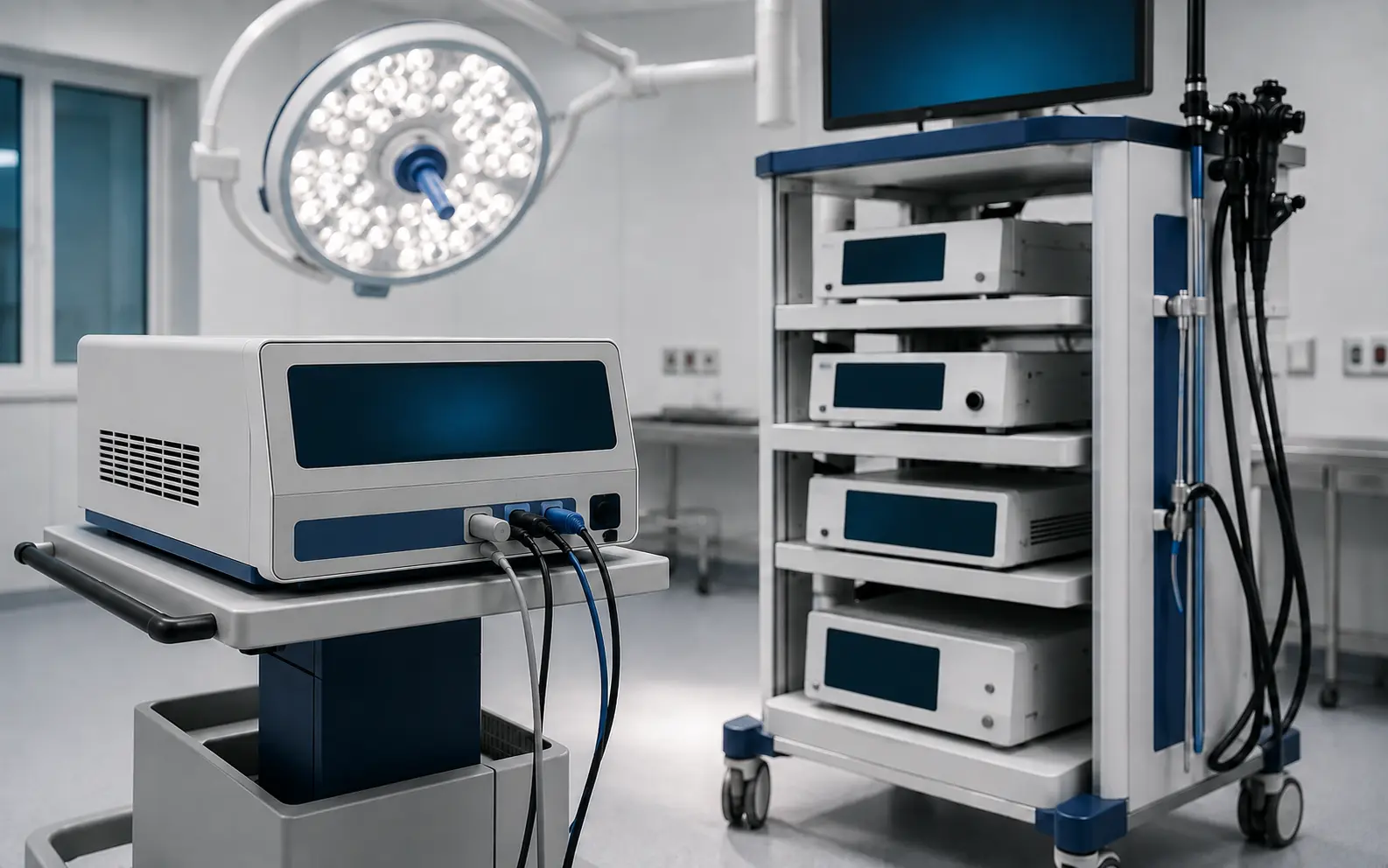 OR · SURG
Electrosurgery, endoscopy, surgical tables, lights, integration, and supporting OR equipment.
Open a foundational guide →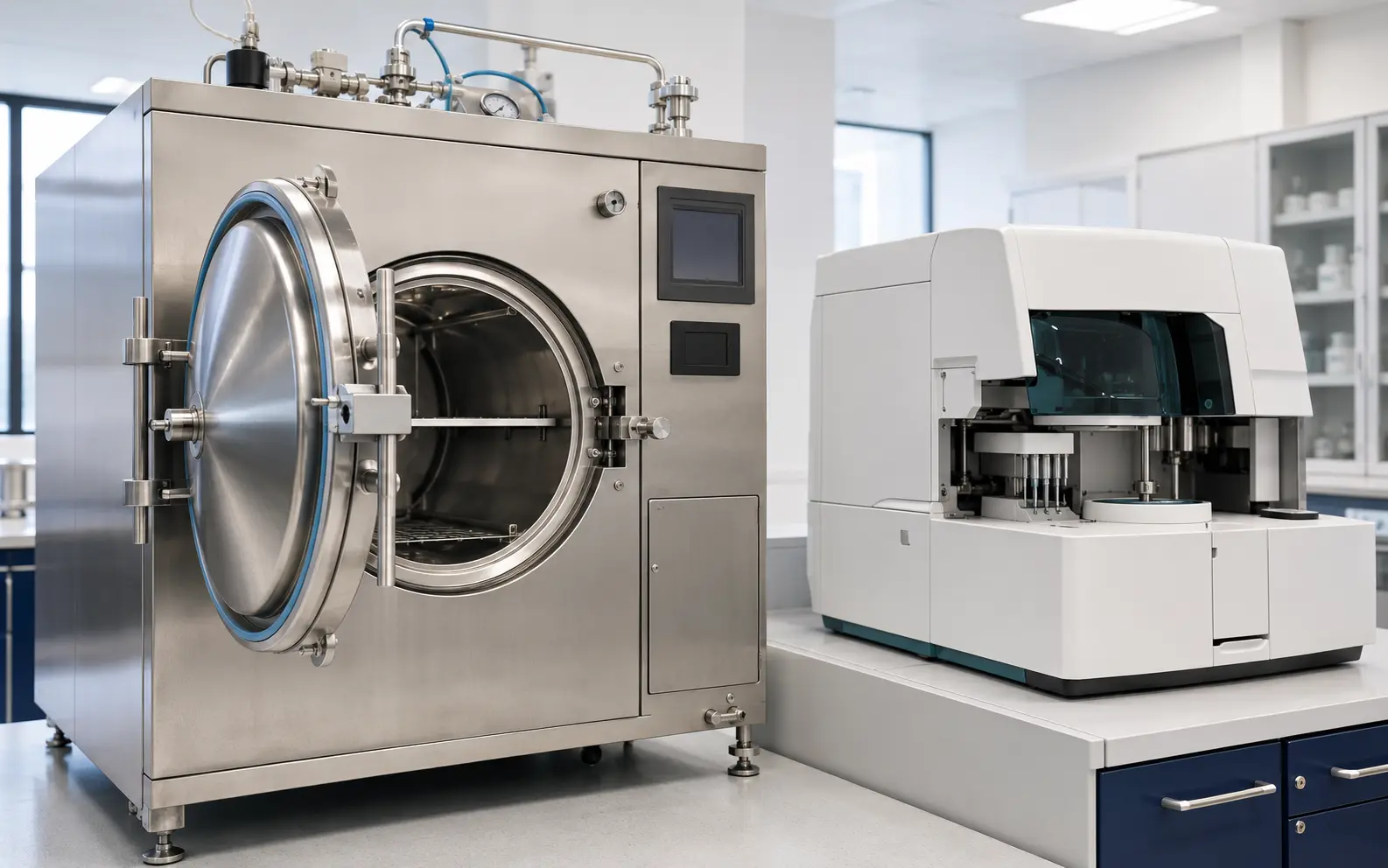 SPD · LAB
Sterilizers, washers, analyzers, centrifuges, temperature systems, pumps, and process controls.
Open a foundational guide →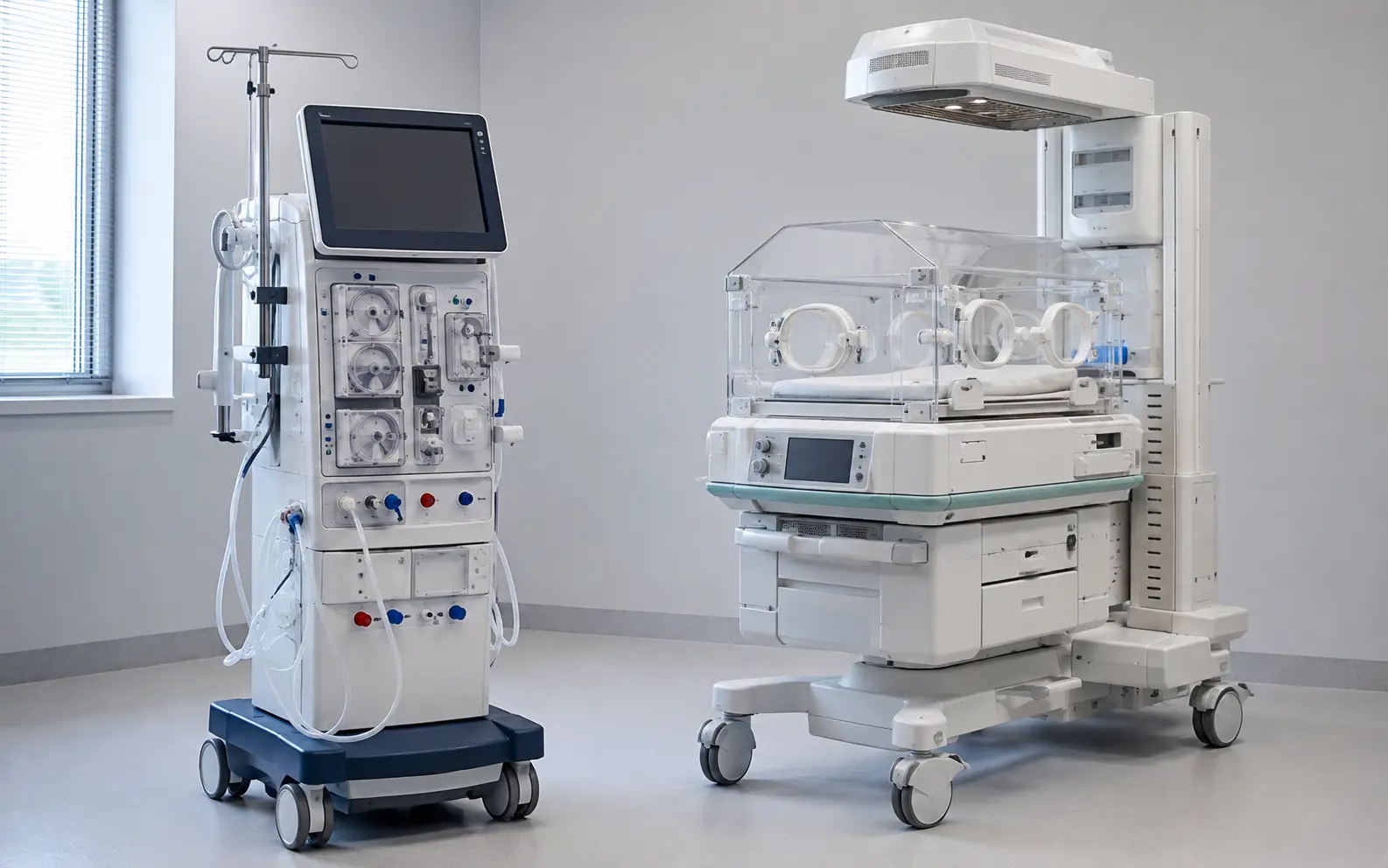 REN · NEO
Dialysis fluidics, safety monitoring, infant warming, incubator airflow, and environmental control.
Open a foundational guide →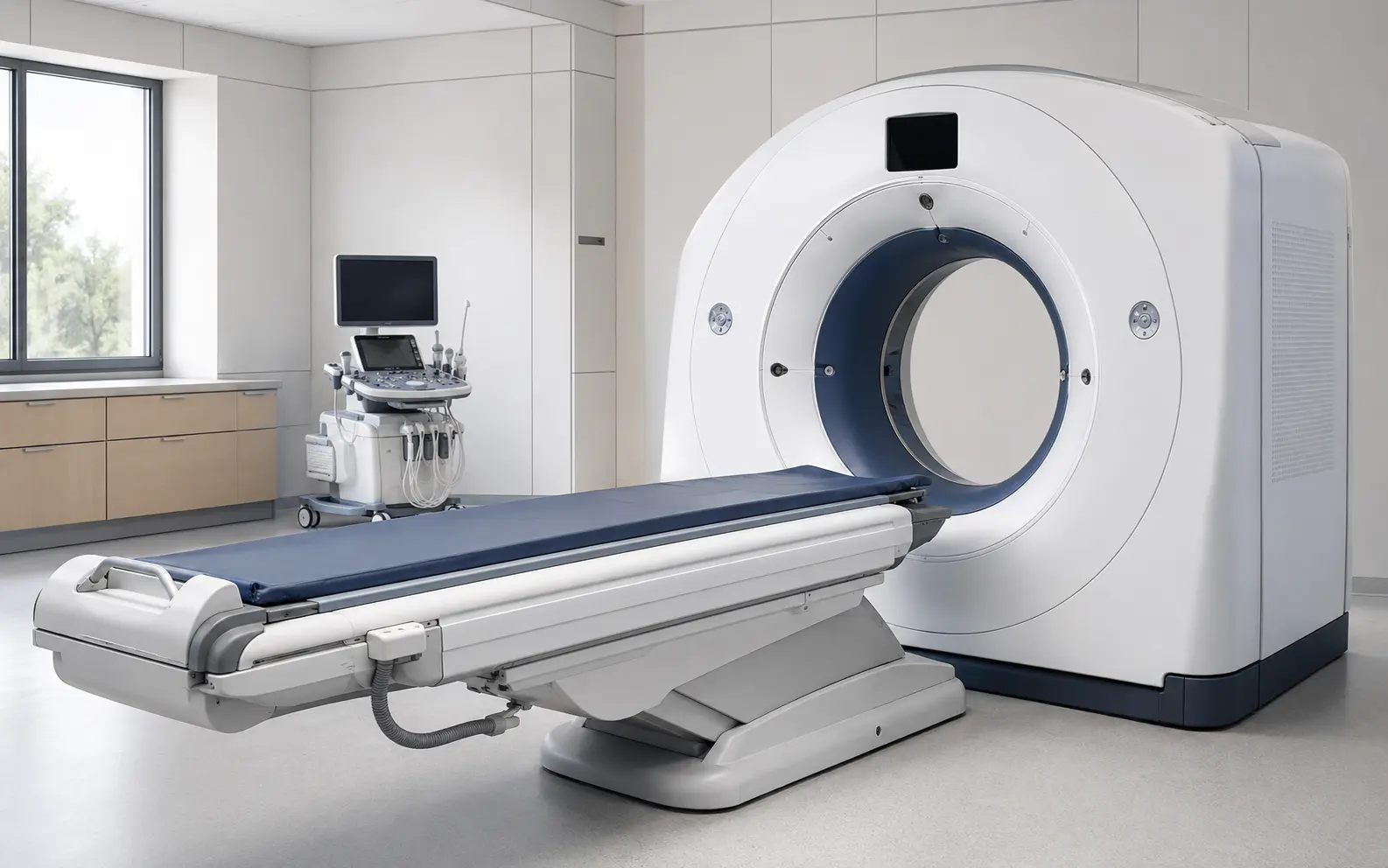 IMG · DX
CT, MRI, radiography, fluoroscopy, ultrasound, detectors, acquisition, and reconstruction.
Open a foundational guide →Illustrative, manufacturer-neutral equipment imagery. Actual designs, configurations, accessories, and service boundaries vary by system and model.
High-value starting points
A practical framework for moving from equipment identity and label evidence to a documented candidate part.
Read guide →Separate ordering numbers, assembly identifiers, board numbers, serial ranges, suffixes, and revisions.
Read guide →Compare origin, represented condition, testing, documentation, warranty, risk, and intended use.
Read guide →Know the boundary
PartsMedical supports research and education. Compatibility, installation, hazardous servicing, clinical use, and return-to-service decisions still require the exact equipment documentation, qualified personnel, facility policy, and applicable requirements.